
yt-dlp
yt-dlp is a free, public-domain command-line program for downloading video and audio from YouTube and many other video sites.
Windows
Open source

1.0.18.0 · DeviPrasadChinni · Page updated
UTube Video Downloader is a Windows app from the Microsoft Store for saving online videos to your PC, for content you are allowed to download.
Average 0.0 · ratings: 0
Thank you! Your rating is saved; you can change it. Could not save the rating. Please try again later. Too many ratings from your network today. Please try again tomorrow. The average appears after 5 ratings.
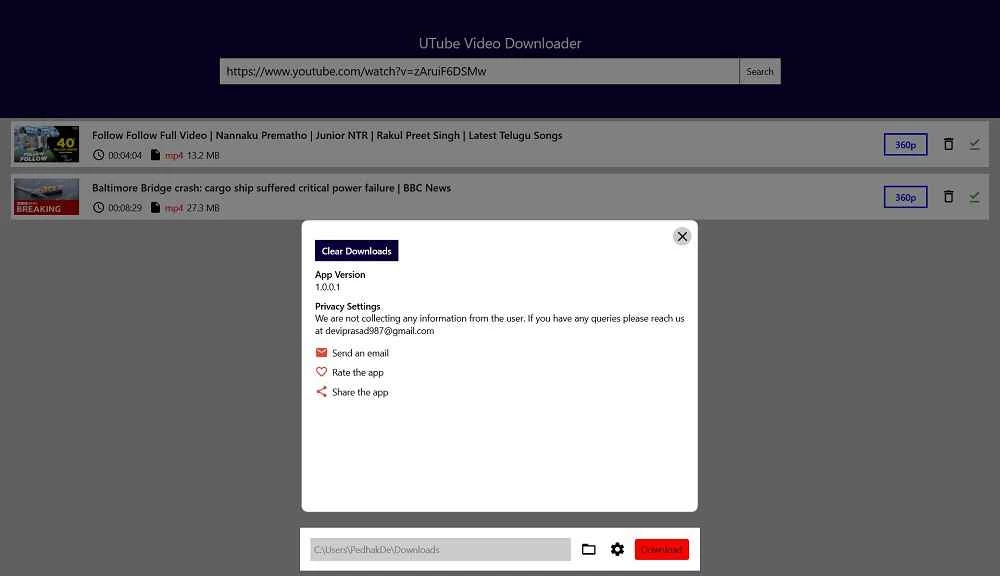
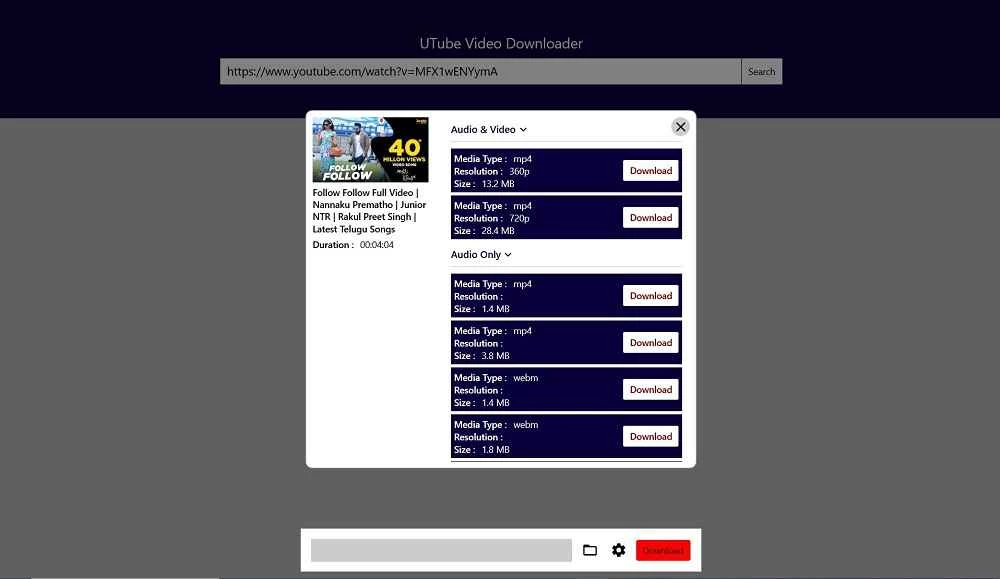
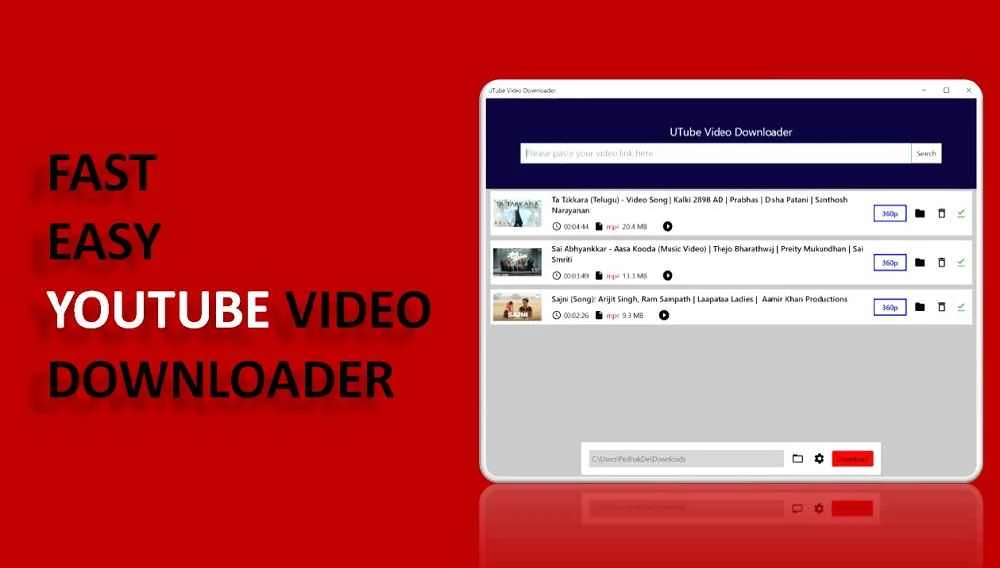
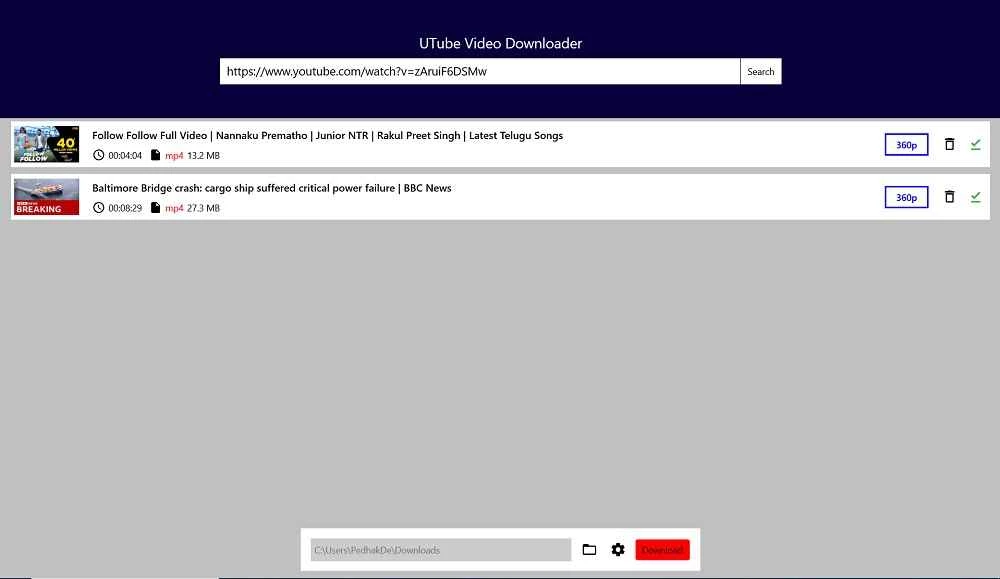
UTube Video Downloader 1.0.18.0 is a Windows app by developer DeviPrasadChinni, distributed through the Microsoft Store. It saves online videos to your PC for offline viewing: you paste a video link, choose a format or quality and start the download. The app is free, and you can download UTube Video Downloader for Windows from its Store listing.
Video downloaders take the address of a video page, find the video streams behind it and save them as a file. That is useful for watching a lecture on a train without mobile data, keeping a copy of a video you made yourself, or archiving material published under a free licence. UTube Video Downloader wraps this in a simple interface: a field for the link, a list of available qualities and a download button. Because websites change the way they deliver video from time to time, downloaders need regular updates to keep working; the Store takes care of installing them.
It depends on the content and the site. Many video platforms forbid downloading in their terms of service except through their own offline features, and copyrighted material may only be copied with the rights holder's permission. Downloading your own uploads, videos under Creative Commons licences or public-domain material is generally fine. Do not redistribute downloaded videos you do not have rights to.
The app is about 45.77 MB according to catalogue data.
Store apps are checked by Microsoft and install cleanly, which makes them safer than downloader tools from random websites. Still, watch for ads that lead to other downloads, and avoid browser extensions or sites that promise "download any video" while asking for access to all your data.
The site may have changed its video delivery, the video may be private or region-restricted, or the app may need an update. Check for updates in the Microsoft Store and try again.
MP4 plays almost everywhere. Choose a lower quality for phones and quick viewing, higher quality for large screens. Audio-only downloads are handy for podcasts and lectures you only listen to.
Other video downloaders in our listings include 4K Video Downloader, yt-dlp, ClipGrab and JDownloader. Use them within the same legal limits.
yt-dlp is a free, public-domain command-line program for downloading video and audio from YouTube and many other video sites.

SHAREit is a free Windows app from the SHAREit Team for moving photos, videos and documents between a PC and a phone. The current version is 5.1.0.7.

Zapya for Windows is a free file transfer app from DewMobile for moving files between a PC and phones over a local wireless connection.

Easy Connection to Screen is Samsung's Windows app for showing a PC's screen on a compatible Samsung TV over a wireless connection.

Internet Download Manager (IDM) is a shareware download manager for Windows from Tonec that accelerates, resumes and schedules downloads.

uTorrent (μTorrent) is a small BitTorrent client for Windows from Rainberry (BitTorrent Inc) for downloading and sharing files over torrents.

AnyDesk is a remote desktop application for connecting to and controlling another computer over the internet, from a small Windows program.

ShareMe is Xiaomi's free app for sending files between devices without a cable; on Windows the Android app runs only inside an emulator.

Xender is a free file sharing app from the Xender File Sharing Team for sending files between phones and computers over a local connection.